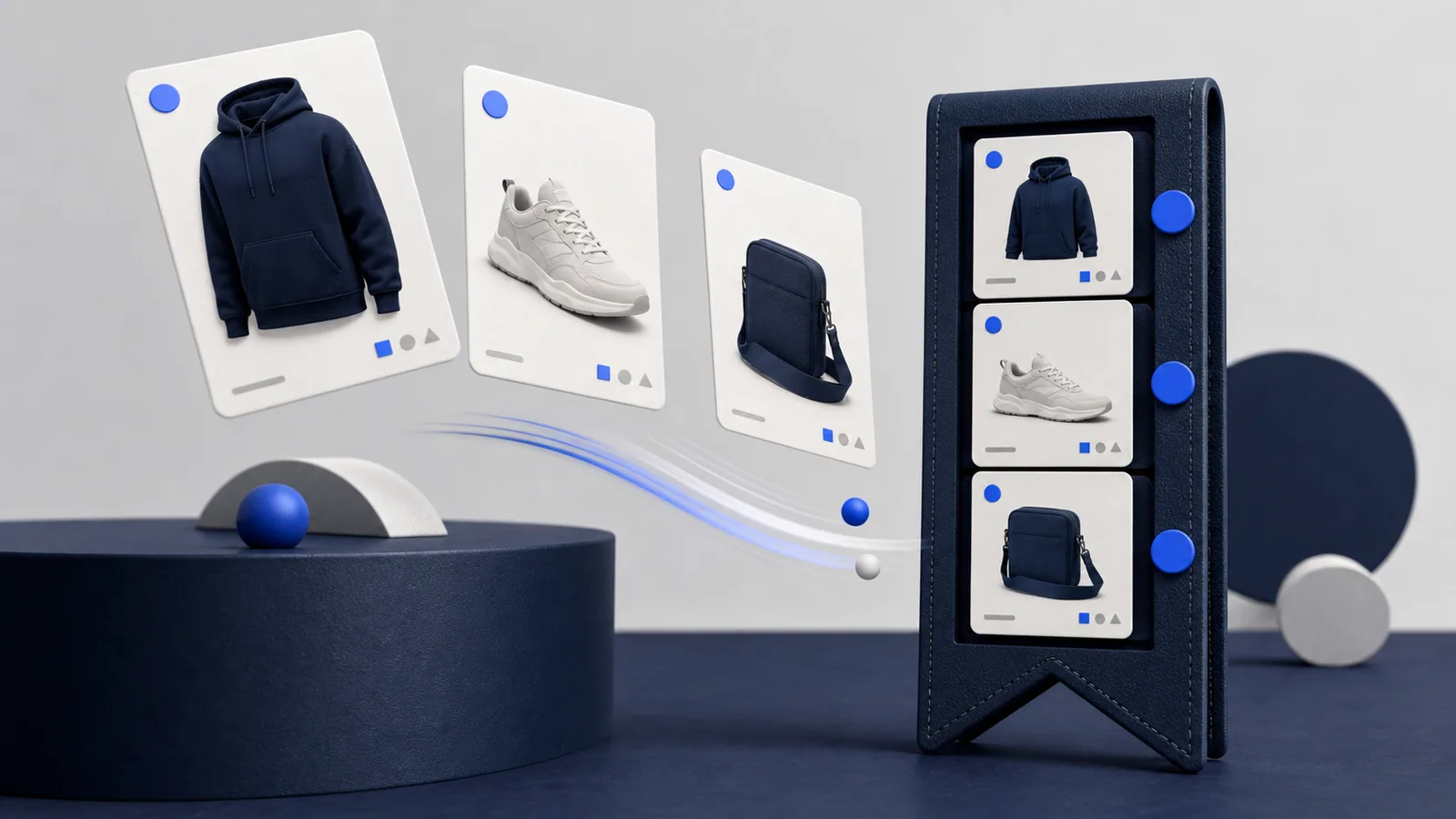
Product discovery becomes harder when every interesting listing stays open in a separate tab. Saved Finds gives you a simpler shortlist inside XXL Finds so you can return to products and compare them with less clutter.
Saving is not the same as reserving a product. It records the find for later browsing; it does not hold stock, freeze a price or create an order on the external platform.
Build a shortlist first
When a find looks relevant, save it instead of deciding immediately. Continue browsing until you have a small group that meets the same need. For example, keep hoodie candidates together rather than comparing a hoodie, shoes and an accessory at the same time.
A focused shortlist makes differences easier to see. You can compare shape, colour, listing detail and external platform without relying on memory.
Use consistent comparison questions
Open each saved find and ask the same questions:
- Does the external listing still exist?
- Is the exact option you want available?
- Are measurements or specifications clear?
- What total cost does the external platform show?
- Who is the seller?
- Which return or dispute information applies?
Remove a candidate when it cannot answer an important question. A shorter, well-checked list is more useful than a large collection of uncertain products.
Recheck changing information
A saved find points you back to discovery information and external links. It does not continuously verify the destination. Sellers and platforms can update product details after you save something.
Open the live listing again before making a decision. Recheck the title, selected option, price, availability and delivery information shown by the external platform. If the link leads to a different product, report it through the XXL Finds contact page.
Keep urgent and optional finds separate
Not every saved product needs the same attention. You might be researching one item for a specific need and saving another only as style inspiration.
Start each comparison session with the urgent group. This reduces the chance of buying an unrelated product simply because its listing is more exciting or heavily promoted.
Remember where saves live
The current Saved experience keeps the shortlist in your browser. Treat it as a convenient local browsing feature rather than a permanent purchase record. Browser data can be cleared, and using another device may not show the same local collection.
Keep important order information on the external platform after you buy. A saved BAQO find is not an invoice, receipt or proof of the external transaction.
Turn a shortlist into a decision
Once you have compared the saved candidates, choose based on the details that matter for your use case. That could be clearer sizing, a more complete listing, a seller you can evaluate or a total cost you understand.
If no candidate is clear enough, return to Explore and keep looking. Saving products should reduce pressure, not create an obligation to buy one of them.
XXL Finds does not sell products directly. We only show product links from external platforms.