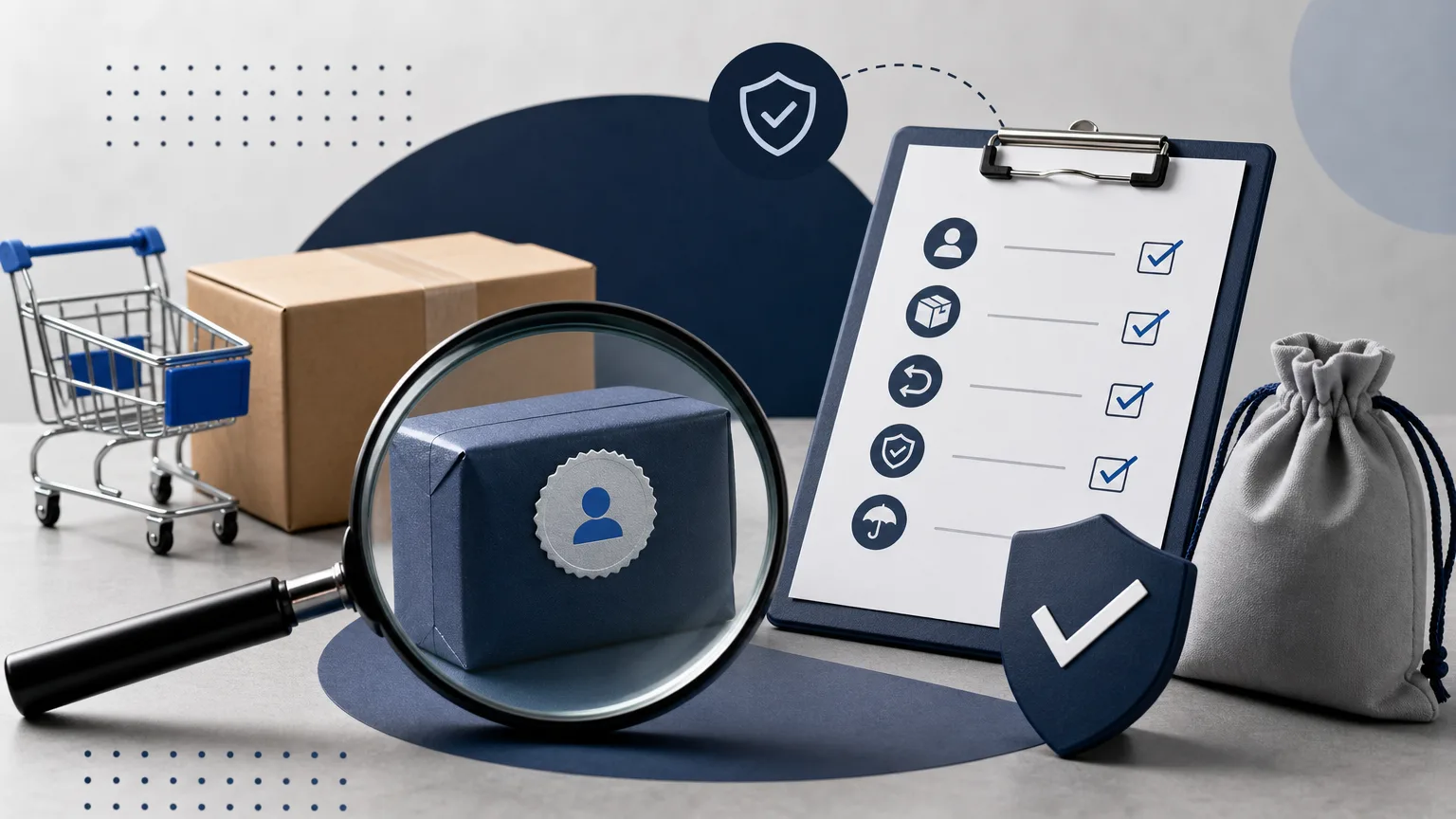

Finding a product is the beginning of the buying process, not the end. A title and an attractive image can help you discover an item, but the live listing contains the details that determine what you may actually receive.
Use the following routine every time a XXL Finds link sends you to an external platform.
1. Check where the link took you
Look at the address bar before signing in or entering payment information. Confirm that the domain belongs to the platform you intended to visit and that the connection uses HTTPS.
Be cautious if a page immediately redirects to an unrelated domain, asks you to install unexpected software or imitates a familiar checkout on a different address. Close the page and return to the original find if the destination is unclear.
2. Read the entire live listing
Do not rely on the product card alone. Open the description, option menus and any condition notes on the external page. Check:
- The exact item and model shown in the title.
- Size, colour, material or version options.
- Whether the listing describes a new, used, custom or pre-order item.
- What is included in the package.
- Any seller notes that change the main description.
If two parts of the listing conflict, ask the seller or platform before purchasing. A guess made during checkout can be expensive to correct later.
3. Compare images carefully
Look for consistent details across all listing images. Product shape, labels, hardware, colour and included accessories should tell the same story. Repeated stock images do not show the condition of an individual used item.
Avoid assuming that an image proves authenticity, quality or ownership. Images can be reused or edited. If a detail matters to your decision, look for a written statement from the seller and understand what protection the platform provides if that statement is wrong.
4. Calculate the total cost
The first price shown may not be the final amount. Continue far enough through the external platform to understand the total before you commit. Depending on the transaction, the checkout may show delivery, service charges, currency conversion or other costs.
Compare totals rather than headline prices. A cheaper product can become the more expensive choice after all displayed charges are included.
5. Review seller and platform information
Use the information available on the external service. Read recent feedback with attention to repeated problems rather than focusing only on a single rating. Check how long the account has been active when that information is available.
Then read the platform’s current rules for cancellation, returns and disputes. Policies differ, and they can change. Save a copy or screenshot of important terms that are shown during your purchase.
6. Use a payment method you understand
Before confirming payment, make sure you know who will appear as the merchant, which currency will be charged and how the platform handles a disputed transaction. Do not move a transaction outside the platform simply because a seller promises a lower price.
Never share one-time codes, account passwords or recovery information with a seller. Legitimate order communication should not require control of your account.
7. Save the evidence
Keep the listing URL, order confirmation, final price, seller messages and relevant screenshots. If the item changes or disappears later, your records can help the platform understand what was offered at the time of purchase.
Pause when details do not add up
The safest decision is sometimes to wait. An incomplete description, unexplained redirect, conflicting image or unusual payment request is a reason to stop and investigate. Another listing will usually be easier to evaluate.
You can return to XXL Finds or use Explore to compare other finds before deciding.
XXL Finds does not sell products directly. We only show product links from external platforms.